
Ironbullet documentation
Ironbullet documentation
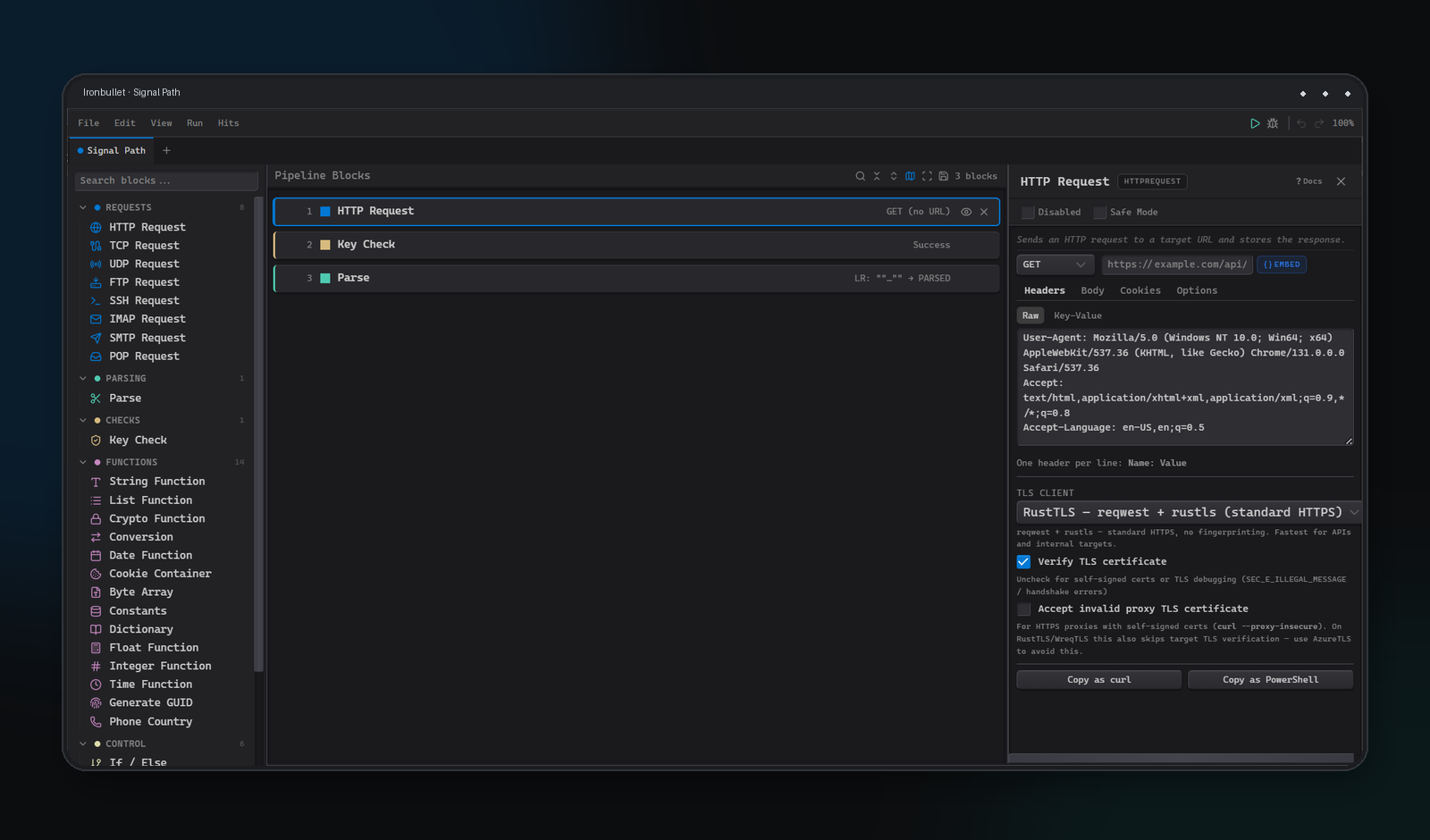
Ironbullet is a desktop visual pipeline editor for authorized request automation, response analysis, debugging, and job execution. This site is the product documentation for the current native pipeline model and interface.
Start here
- Read the Interface tour to locate the palette, canvas, settings inspector, debugger, and jobs tools.
- Create a small pipeline with HTTP Request, Parse, and Key Check.
- Use Debug mode with an authorized test endpoint before starting a job.
- Use the Block reference to configure every declared native block type.
Documentation contract
The block library distinguishes three states so that an imported configuration is never confused with a recommended new workflow:
- Palette — available when building a new pipeline in the current interface.
- Compatibility-only — readable for imported configurations but not available from the palette.
- Unavailable in native engine — retained for compatibility, but the native runner returns an explicit unsupported-block error.
See Capability status for the current execution contract.